
|
Google Classroom
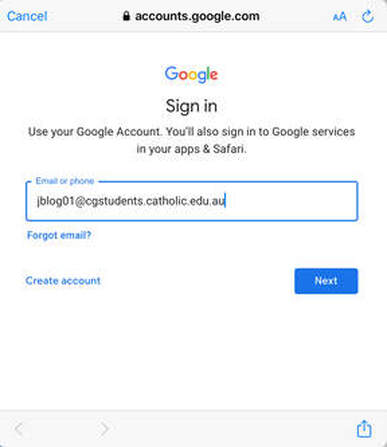
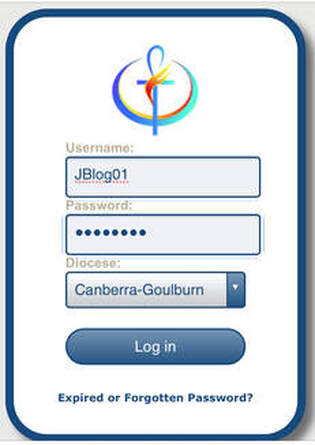
Getting access at home Students can gain access using their EDU G Suite login. This login is: Email: [email protected] Username: JBlog01 (first letter of first name, first 5 letters of last name, 2 numbers) Password: Date of Birth (DDMMYYYY) If your child is unsure of their student number or password, get in touch with the classroom teacher who will be able to provide it to you. Logging In 1. Enter email at any Google sign in point 2. Login using secure Catholic Education login If you already have a Google account logged in, follow the instructions here in order to add an additional user. Parent Summaries As a guardian, you can receive email summaries showing your student’s workload and progress in classroom. You can choose the frequency of the emails, such as daily or weekly. Guardian email summaries include:
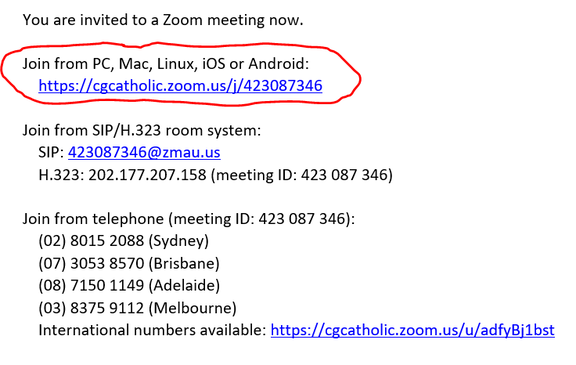
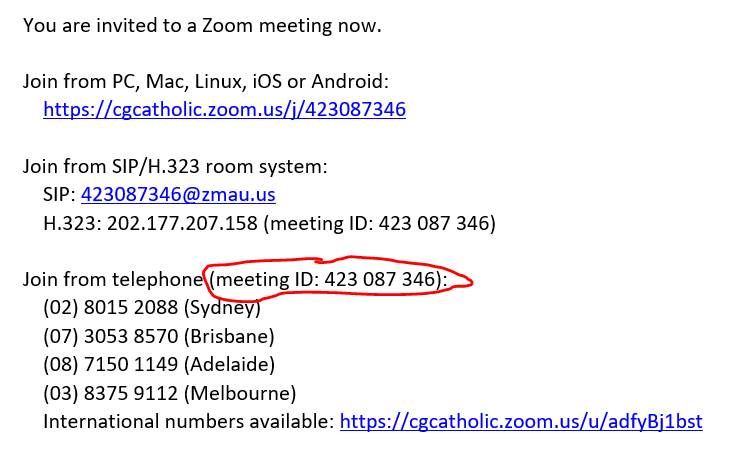
PARENT SUMMARIES Using Classroom Google provides extensive support to assist families with the use of Classroom. The Classroom Help Center provides a range of guide sheets with step by step instructions to help students and families understand the various functions, CLASSROOM HELP CENTER Zoom - Video Conferencing Getting access at home 1. Your child will receive an email in their school email account with a link to join a zoom meeting. The meeting will be scheduled for a certain time. Click on your link at a certain time. 2. The first time you join zoom you will be asked to download the program. 3. Alternatively you can go to https://zoom.us/ , click on JOIN A MEETING and add the code found in your invitation. 
|
